
Microduck moves: the seven trained behaviours, explained
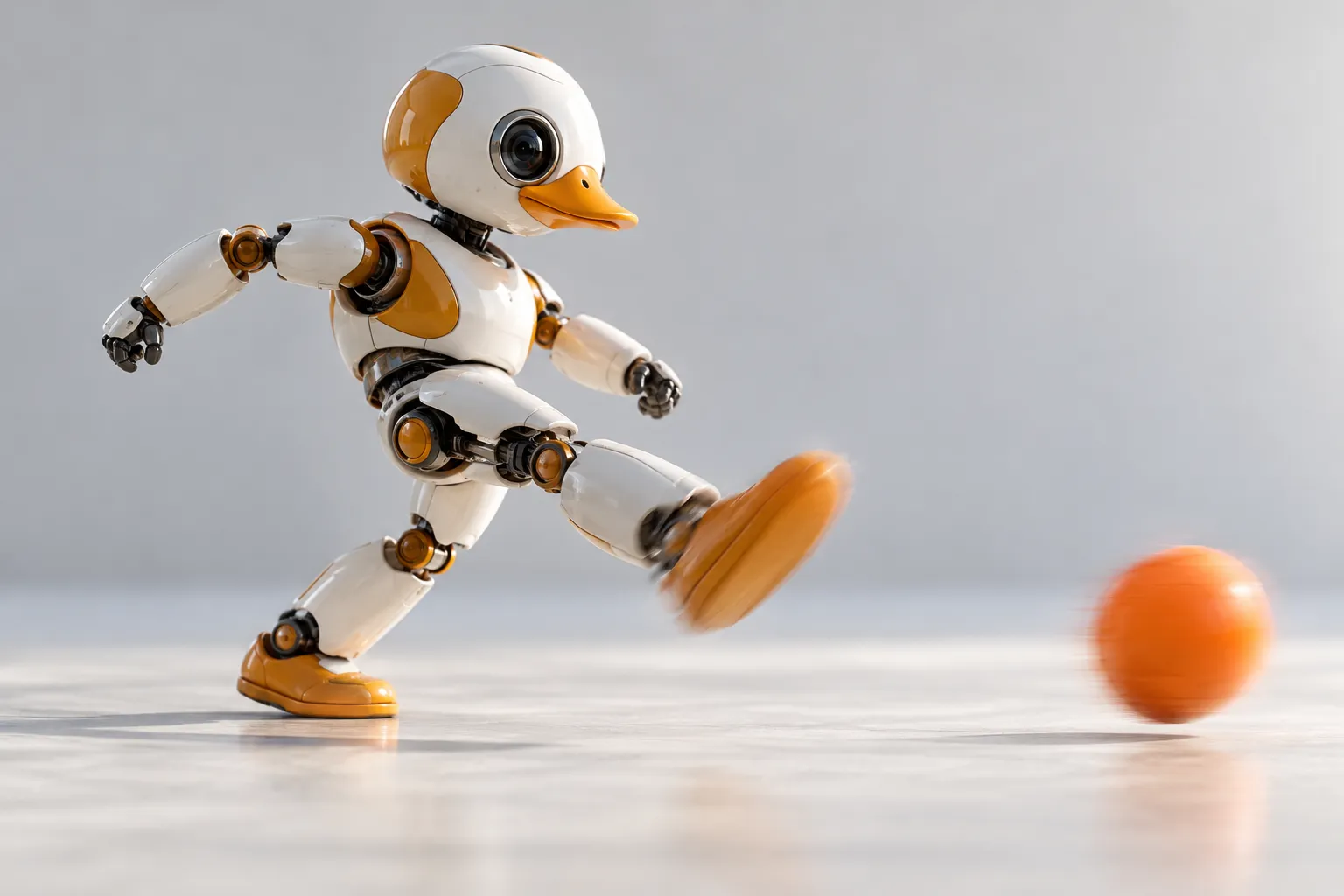
The duck arrives with seven moves, trained and installed: standing up, sitting and standing, walking, turning, kicking, driving and grabbing. This page is the field guide - what each move actually is, how to think about it, and what it takes to train an eighth. If you searched for "microduck moves" or "what can Microduck do", this is the honest inventory: everything below ships; everything below is also a policy you can replace.
Seven moves, seven policies
The sentence worth internalising: a move is not a script. Each of the seven is a reinforcement-learning policy - trained in simulation, transferred to the robot - that decides 50 times a second what the 15 motors should do. That is why the duck corrects itself when a page of your notebook pushes back, and why any of the seven can be retrained rather than reprogrammed.
Standing up
From flat on its back to standing, on its own. This is the recovery move - knock the duck over and it rolls, plants its feet and gets up. It is also the least forgiving to retrain, because it has to work from poses nobody chose.
Sitting and standing
A sit-down, a held sit, and a clean stand back up. Small move, real balance - holding a pose is work, not rest, for a biped.
Walking
The default gait and the centre of the whole product: a velocity-tracking walk you steer with the included controller. Everything else in this list was trained against a robot that can already walk.
Turning
Turns in place, at speed - the move that makes desk-sized obstacle courses possible.
Kicking
A one-shot kick - usually aimed at the ball from the play set - followed by a straight return to walking. It is the clearest "a policy, not an animation" demo: the kick lands differently every time, because it is resolved, not replayed.
Driving (roller mode)
Clip the rollers from the Accessory pack onto its feet, ask for roller mode, and the robot loads its driving policy and skates. It is the trick that makes visitors look twice - see the accessories page for the rollers themselves.
Grabbing
It dips its beak, scoops what you put in front of it, and stands back up - with the load. The most mechanical of the seven, and the one that pairs best with the grab-and-deliver routines in the projects list.
How the moves run
- Onboard, at 50 Hz. The control loop lives on the robot - movement is generated on the duck, not streamed from a laptop. Your computer is for programming and training, not for keeping it upright.
- On a real sensing stack. A camera, LiDAR and two IMUs feed the walking and balancing policies - the duck's sense of its own body position and its motion are separate signals.
- With a character layer. A speaker and a voice of its own - the quack timing is, let us say, not tuned for meetings.
Chaining moves into routines
Out of the box, the controller is the glue: walk across the desk, turn, line up the ball, kick, recover, walk on. That is how the seven moves turn into an obstacle course or a desk-side show. What you cannot do with the controller alone is invent a new verb - for that, you train it.
Training an eighth move
Every shipped move came out of the same loop the training stack exposes: start a policy in simulation, shape the reward for the behaviour you want, randomise what the simulator randomises, then transfer and tune on hardware. The training guide walks the full path, the simulator page is where it runs, and the environments are public at github.com/pollen-robotics/microduck_rl.
Moves FAQ
Can it dance? What ships is the seven moves above; dancing is what owners build from them - walk, turn, kick and the quacking character layer, sequenced with the controller. Making up a genuinely new routine and training it as a policy is exactly what the training stack is for.
How fast can it walk? Fast enough to be fun on a desk and to need attention at the edge of one. There is no marketing top-speed number here; the specs page is the reference for anything numeric.
Will all seven moves work on any surface? They are strongest on hard, flat surfaces. Rugs and soft mats change the game - which is a fine first experiment in why sim-to-real is real work.
Do the moves need Wi-Fi? No - the policies run onboard. You can drive the duck with the controller and no network at all.
Can I delete a move I do not use? The policies are yours to manage; the SDK is how you start, stop and swap them - the Python session guide is the on-ramp.
Where to go next
- Getting started - the first hour, in order
- Accessories and packs - the props the moves use
- How to train Microduck - train move number eight
- Pre-order Microduck - $399 before taxes and shipping