
Microduck specs: size, weight, motors, sensors and what is in the box
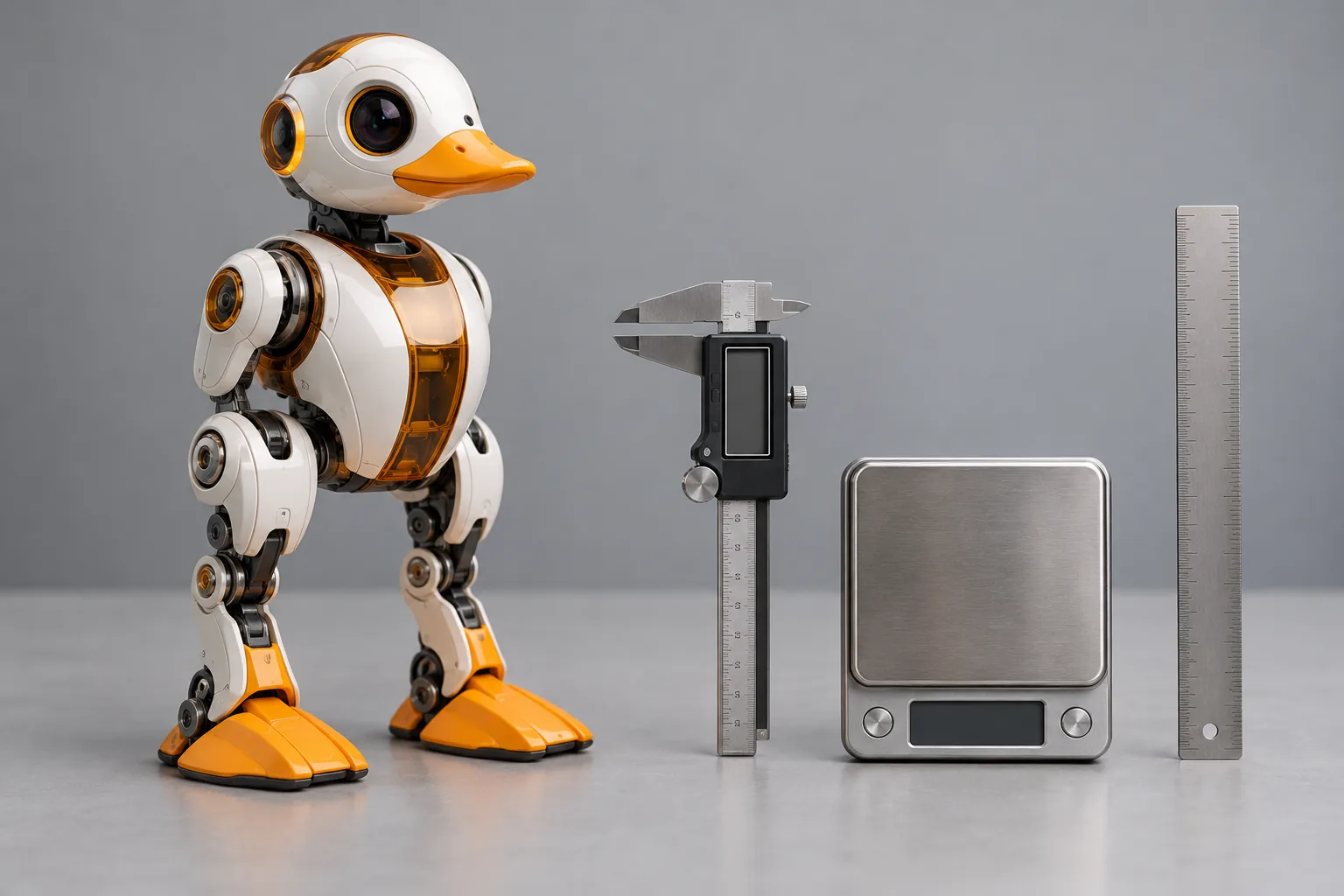
If you searched for "microduck robot", "microduck specs" or "how big is Microduck", this is the answer sheet. Everything below is what the robot ships with and what is published about it - no marketing rounding.
Microduck specs at a glance
| Spec | Value |
|---|---|
| Height | 25 cm |
| Weight | About 800 g |
| Motors | 15 |
| Sensing | A camera, LiDAR and two IMUs |
| Control loop | 50 Hz, running on the robot |
| Onboard computer | Rockchip RK3566 class board |
| Connectivity | Wi-Fi and Bluetooth |
| Voice | An onboard speaker - it quacks in a voice of its own |
| Moves shipped trained | Seven: standing up, sitting and standing, walking, turning, kicking, driving and grabbing |
| Programming | Python SDK, simulator and reinforcement-learning stack, all open source |
| Price | $399 before taxes and shipping |
| Colourways | Cream, Graphite, Lavender and Sky |
What ships in the box
One purchase, nothing required afterwards:
- The Microduck robot, in your colourway
- A rechargeable battery and a USB-C cable for charging and connecting
- A game controller, pre-paired workflow included
- The seven trained moves, installed and ready to drive
- Access to the open-source SDK, the simulator and the training stack
The packs, in spec terms
| Pack | Price | What it adds |
|---|---|---|
| Charger | $39 | A dual charger and two extra batteries - longer sessions, less waiting |
| Accessory | $39 | The props the moves use: rollers, a ball, a laser pointer, NFC tags and two rollers for roller mode |
| Dev | $119 | Three spare motors, cables, two batteries, a dual charger, NFC tags, a screwdriver and a Hugging Face credit - the open-it-up kit |
All prices are before taxes and shipping. Packs are optional and independent; the robot is complete without any of them.
What the numbers mean in practice
-
15 motors at 25 cm and about 800 g is why the robot walks rather than poses. Every move is generated by a policy driving real joints, not by replaying an animation.
-
The 50 Hz control loop runs on the robot. Movement is not streamed from your laptop; the robot balances by itself. Your computer is for programming and training, not for keeping it upright.
-
A camera, LiDAR and two IMUs are the sensing stack the walking and balancing policies consume. Two IMUs means the robot has a sense of its own body position and its motion separately.
-
Seven moves shipped trained means the robot is useful on day one, before you write a line of code. Making your own moves is the second act, not the entry fee.
-
Roller mode is real. Clip on the Accessory pack rollers, ask for roller mode, and the robot loads the other policy and rolls.
Questions people ask about the specs
How long does the battery last? It depends how hard you drive it - walking and kicking pull more than standing around. The Charger pack exists for people who want to keep going without waiting: two spare batteries and a dual charger.
How fast can it walk? Fast enough to be fun on a desk and to need attention on the edge of one - and the speed is a policy property, which is the interesting part: train a faster gait if you want one.
Can it go up stairs? No. It is a 25 cm desk robot. It handles flat surfaces, small props, and getting back up after it falls - that recovery is one of the trained moves.
Is 25 cm the whole robot or just the body? That is the full height on its legs, duck head included.
What do I need on day one? Charge the battery, power it on, drive it with the included controller. Nothing else.
Where are the specs for the SDK side? In the documentation - what the SDK exposes, how the simulator runs and how training works. If you want to start coding, the Python SDK guide is the walking path.
Where to go next
- Pre-order MicroDuck - the robot and the packs
- Buy Microduck - price, payment and buying FAQ
- Microduck vs Reachy Mini - how the two $399 robots compare
- Microduck alternatives - the small robots worth comparing
- Documentation - the SDK, the simulator and the training stack