
Microduck projects: 12 things to build, train and try
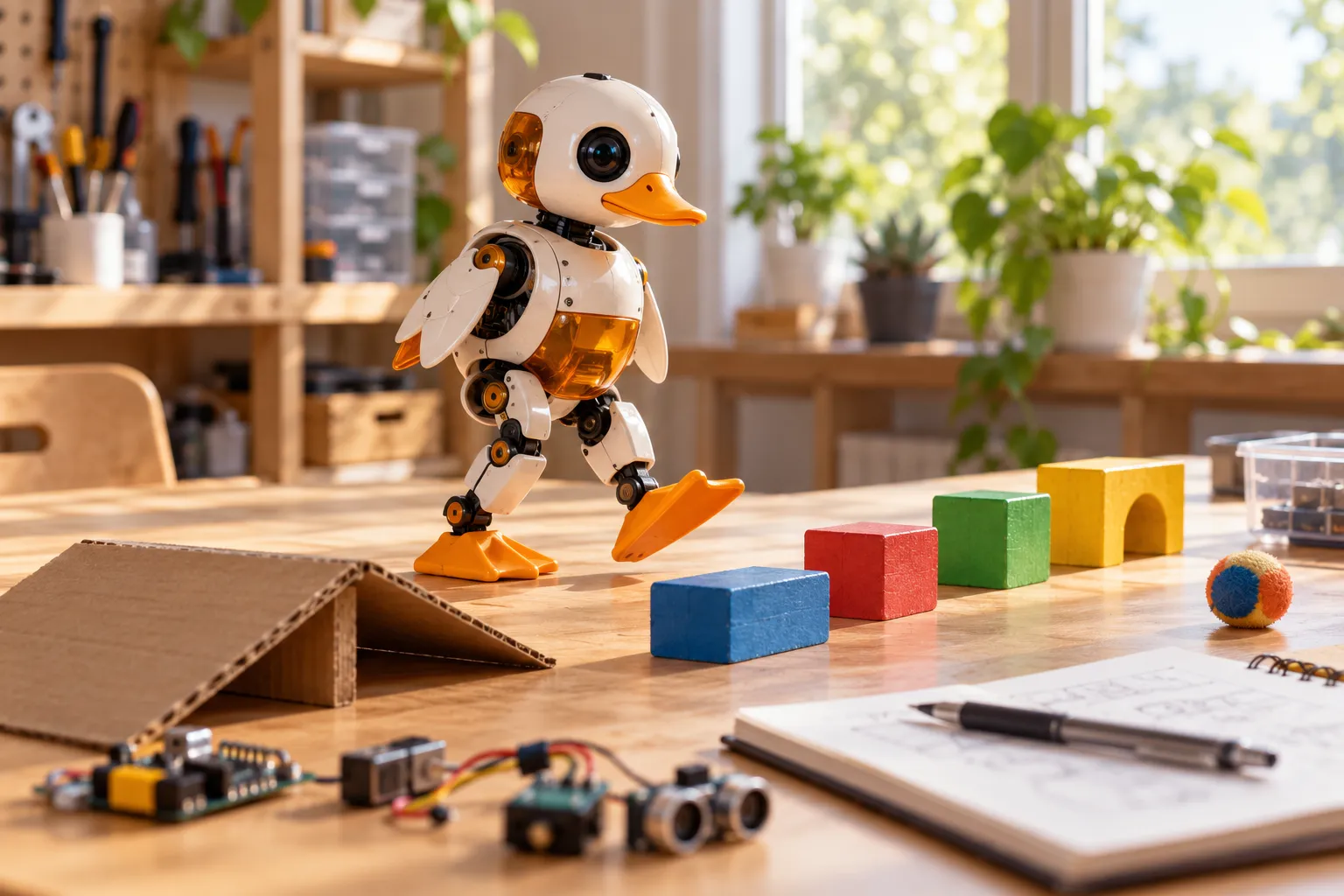
The duck ships with seven trained moves, a game controller and an open SDK. The question is not "what does it do" but "what do you want to make it do". Here are twelve directions, ordered from first-evening fun to proper reinforcement-learning work - each marked with what you need and how hard it is.
How to read this list
- Gear - what you need: the controller (in the box), the Accessory pack (ball, rollers, laser pointer, NFC tags), a laptop with Python, or a GPU for training.
- Difficulty - evening / weekend / project, and whether it is driving, coding or training.
And one honest note: these are angles, not instructions. The documentation, the repositories and the Discord fill in the steps - and the community is where half of these ideas come from in the first place.
First evening: drive it like you mean it
1. The desk route. Set up a little course - a book as a bridge, a rolled magazine as a bend - and drive laps with the controller. Sounds trivial; it is how you learn the gait and how the duck turns, and it is genuinely fun. Gear: controller. Difficulty: evening, driving.
2. Duck football. The ball from the Accessory pack plus the kick move plus a goal made of two pencils. The duck can score. It can also foul. Gear: controller + Accessory pack. Difficulty: evening, driving.
3. Skater duck. Clip on the rollers and switch to the driving move: the duck skates across smooth floors. Long corridors become a sport. Gear: Accessory pack (rollers). Difficulty: evening, driving.
Weekend: make it yours with code
4. A morning routine, scripted. Instead of driving, write a script: stand up, walk to the edge of the desk, turn around, sit, quack. Sequence the shipped moves through the Python SDK - your first program that owns hardware. Gear: laptop + Python. Difficulty: weekend, coding.
5. React to the room. Pull camera frames, LiDAR and IMU readings into your script and make behaviour depend on them: turn when something is in the way; refuse to walk off the table (the LiDAR sees the drop); quack when picked up. Gear: laptop + Python. Difficulty: weekend, coding.
6. Sound and personality. The duck has a speaker and a voice mode, a chorale and a theremin in the command set. Build your own sound reactions - it cheers when it walks, it complains when it falls. Gear: laptop + Python. Difficulty: weekend, coding.
7. The NFC treasure hunt. The Accessory pack includes ten NFC tags. Lay a route of tags, then make the duck react differently at each one: tag one is a turnaround, tag two is a kick, tag three starts the victory quack. Gear: Accessory pack + Python. Difficulty: weekend, coding.
Project: train something that has never been trained
8. Train your first policy. The full loop: pick a behaviour, shape a reward, train in simulation, deploy to the robot. The training guide walks the exact path; a faster walk is the classic first target. Gear: computer with a GPU (an NVIDIA card with 8 GB+ is recommended). Difficulty: project, training.
9. Make the waddle personal. Reward-shape something the factory policies do not: a faster-paced strut, a tighter turn, a recovery that gets up with attitude. This is where you discover how much of "personality" is just a reward function. Gear: as above. Difficulty: project, training.
10. The policy bake-off. Train two versions of the same behaviour and let them fight: same tasks, same course, different rewards. Keep a results table. Publish the winner. Gear: as above. Difficulty: project, training.
Bigger builds
11. Teach with it. A duck that walks into a classroom and then gets reprogrammed in front of students is a better lesson than a slide about robotics. The simulator works without any hardware at all - everyone opens the same link - and the training guide doubles as a curriculum skeleton. Gear: nothing, to start. Difficulty: project, teaching.
12. Join the flock. Everything above ends in the same place: the duck is open, so your work can be too. Share a script in the Discord, publish a policy, or fix the thing that annoyed you in the repository. Every shipped move started exactly there. Gear: curiosity. Difficulty: ongoing, community.
What you need to start today
- The simulator runs in the browser: no hardware, no install - start here.
- The SDK and training stack are public: python-sdk guide and training guide.
- The robot ships with the controller and the seven moves: pre-order - and the Dev pack is the sensible add-on once your own policies start finding the weak spots.
And when a policy walks your duck off the desk anyway - that is not a bug. That is project thirteen.
Where to go next
- Coding Microduck - from controller to Python
- How to train Microduck - the full RL path
- The Microduck robot, explained - what each move actually is
- Where to buy - robot, packs and shipping