
Microduck simulator: run the robot in your browser or locally
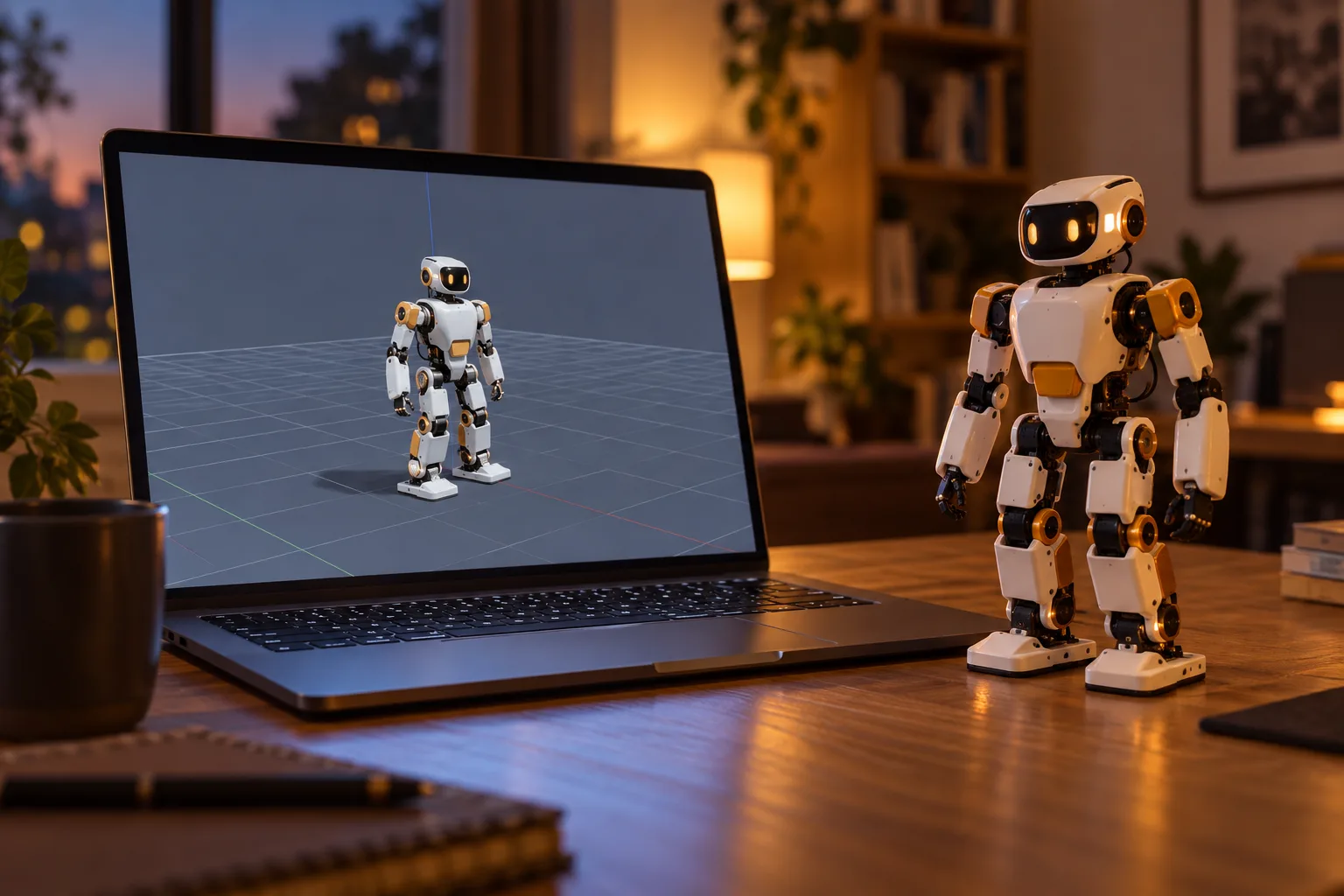
The Microduck simulator runs the same robot you can pre-order, as software. It is the fastest way to meet the robot: no hardware, no shipping, no risk of a bad policy walking your desk off the table. If you searched for "micro duck simulator", this page is the map to both versions - the browser one and the local one.
Two ways to run it
In your browser, right now
The hosted simulator is a Hugging Face Space: https://huggingface.co/spaces/pollen-robotics/microduck-simulator
-
Nothing to install. Open the page, wait for it to wake, and drive.
-
Good for a first look: see the robot, poke at the controls, understand what the seven moves look like.
-
Good for teaching: everybody in the room can open the same link.
Locally, from the open-source repo
For anything serious - training, benchmarking, custom scenes - clone the repositories and run on your own machine:
-
The robot repository: https://github.com/pollen-robotics/microduck - the robot and its software, Apache-2.0.
-
The RL environments: https://github.com/pollen-robotics/microduck_rl - mjlab-based training environments for Microduck, Python.
The documentation covers the SDK, the simulator and the training stack together, so you can go from driving it in the browser to running it locally without switching mental models.
What you can do with the simulator
-
Drive the robot and learn the controls before the hardware exists.
-
Replay the seven trained moves - walking, turning, kicking and the rest - and see how a policy behaves.
-
Test your own policy safely. Break it a thousand times in simulation; a broken policy in sim costs nothing.
-
Start reinforcement-learning work with the mjlab environments: shape a reward, train a gait, evaluate it.
-
Check your toolchain. Confirm Python, your GPU and the dependencies all work before a robot is on your desk.
What you need for the local version
-
A Linux machine is the recommended setup for training; the tooling is Python-based.
-
Python 3.12 for the mjlab training side.
-
An NVIDIA GPU makes training fast, but small experiments run on CPU while you learn the loop.
-
The training guide walks through the environment setup and the first training run.
From simulator to robot
The simulator is not a toy version of the robot - it is the same robot, and policies trained in it are the ones that move onto the hardware. What changes on the real machine is reality: friction, flex, sensor noise. That gap is the sim-to-real step, and it is the part the training guide and the documentation treat as the work, not an afterthought.
A realistic path looks like this:
-
Drive in the browser Space for ten minutes.
-
Run the simulator locally and replay the shipped policies.
-
Train your first custom policy in simulation only - a faster walk, a tighter turn.
-
When your robot arrives, deploy the policy and start tuning the sim-to-real gap.
Microduck simulator: FAQ
Is the simulator free? Yes. The browser Space is free to use and the source is public under Apache-2.0.
Do I need a Microduck to use it? No. The simulator is most useful before your robot arrives - and some people will only ever use it.
Do I need a GPU? For serious training, an NVIDIA GPU helps a lot. For driving around and small experiments, no.
Which repo do I clone? Both, if you are training: the robot repository for the software and microduck_rl for the mjlab training environments. Start with the documentation.
Will a policy trained in the simulator work on the real robot? That is the design intent - the shipped moves were trained in simulation and transferred. Expect to tune when it lands on hardware; sim-to-real is real work.
Can I use the simulator for classroom teaching? Yes - the browser Space runs with no setup, which is exactly what a classroom needs.
Where to go next
-
How to train Microduck - the full RL workflow
-
Microduck DIY - build, mod and print the open-source robot
-
Documentation - SDK, simulator and reinforcement learning
-
Pre-order Microduck - $399 before taxes and shipping