
Coding Microduck: your first Python session with the SDK
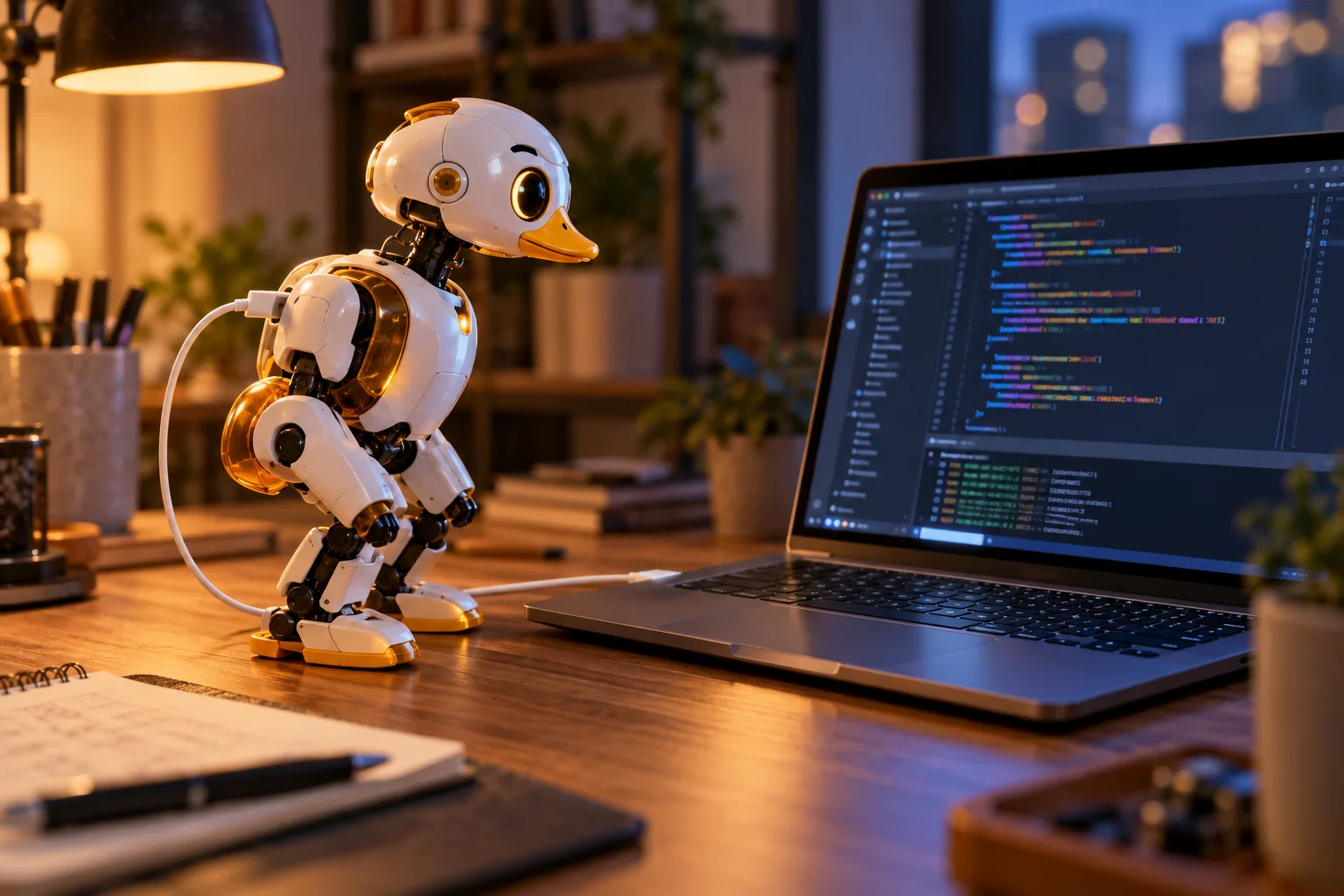
The controller gets you driving in minutes, but the SDK is where Microduck turns into a platform. This is the guided path from an unboxed robot to your first Python session - and the honest note that you can start today, before any hardware arrives, with the simulator.
What you are working with
Microduck is programmed from Python. The SDK exposes the robot's motors and sensors, and it lets you either command individual joints or hand control to a trained policy. Concretely, you can:
- Connect to the robot and read its state
- Command joint positions and whole-body poses
- Start, stop and swap policies
- Read the camera, the LiDAR and the two IMUs
Under the hood, the robot runs its own daemons at a 50 Hz control loop: one process owns the motor bus, another handles updates, another the radios - all speaking one contract, so your script sends exactly the same calls the gamepad and the console do. Yes, there is even a voice mode, a chorale and a theremin in the command set. The duck has range.
Before the robot arrives: the simulator path
You do not need hardware to write your first Microduck code:
- In your browser - the hosted simulator is a Hugging Face Space: open it, wait for it to wake, drive and observe.
- Locally - the open-source repository includes a simulator script that runs the real robot daemons against a simulated body in MuJoCo: one duck in a window, or several as machines you log into.
The point of the local version is fidelity: it is the same software stack as the robot, so a script that works against the simulator is a script that works against your duck.
Day one with the robot
- Charge and power on. The battery and USB-C cable are in the box.
- Drive first, code second. The included controller is the fastest way to meet the seven moves.
- Get on the network when you want to. Wi-Fi setup is covered in the documentation - and there is a laptop tool that talks to the duck over Bluetooth with no network at all, useful when a robot and a campus Wi-Fi disagree.
- Confirm the basics from the command line. The cheat sheet in the repository lists the console commands for driving, configuring, updates and logs - the fastest sanity check that your duck is happy before Python enters the room.
Your first Python session, in four steps
The exact API lives in the documentation and the repository, which are the source of truth as the SDK evolves. The shape of a first session is always the same four steps:
- Connect and read. Open a session to the robot, then read its state: joint positions, battery, the IMUs. Reading before writing is how you confirm the whole chain works.
- Command a joint, then a pose. Move something small and visible - a head tilt, a leg lift. This is the handshake: your code is now steering hardware.
- Hand over to a policy. Instead of driving joints yourself, start one of the trained moves and let the robot run it. This is the moment the robot stops being a remote-controlled toy.
- Read the sensors mid-move. Pull camera frames and IMU data while the robot walks, and you have everything a reinforcement-learning loop needs to understand its world.
From there, the natural next step is training your own policy - the full loop is in the training guide.
Where the code lives
| What | Where |
|---|---|
| The robot software and SDK (Apache-2.0) | github.com/pollen-robotics/microduck |
| Training environments - MuJoCo, PPO, sim-to-real, ONNX export | github.com/pollen-robotics/microduck_rl |
| Hosted simulator | Hugging Face Space |
| Documentation | microduck.homes/docs |
From user to contributor
The robot is built to be worked on, not just with. Updates are verified, health-checked and reversible - and installable, rollback-able and pinnable - so a bad experiment never bricks a duck. The repository documents how to build a branch on your machine and install it onto the robot in about a minute, which makes the loop from idea to walking change unusually short for a robot this size.
Questions that the docs cannot answer usually get answered by other owners in the Discord, policies and scripts included.
Coding Microduck: FAQ
Do I need Python to use Microduck? No. The controller covers day-to-day driving; Python is the on-ramp to everything deeper.
Which Python version do I need? The documentation lists the current requirements - treat it as the source of truth rather than any version number frozen into a guide.
Can I write code before my robot arrives? Yes - browser simulator today, the full local simulator with the real daemons when you want more fidelity.
Can I run my own script on the robot itself? Yes - the repository documents the dev workflow: build on your machine, push to the robot, about a minute.
What is the fastest way to break something? Sending unbounded joint commands and walking the robot near a table edge. The simulator exists so you can learn that lesson cheaply.
Where do I go to learn the training side? The training guide walks the whole sim-to-real loop, and the simulator guide covers the environments.
Where to go next
- How to train Microduck - policies from reward to robot
- Microduck simulator - the software duck
- Documentation - the full technical map
- Pre-order Microduck - the hardware half