
Microduck FAQ: the questions buyers ask, answered in one place
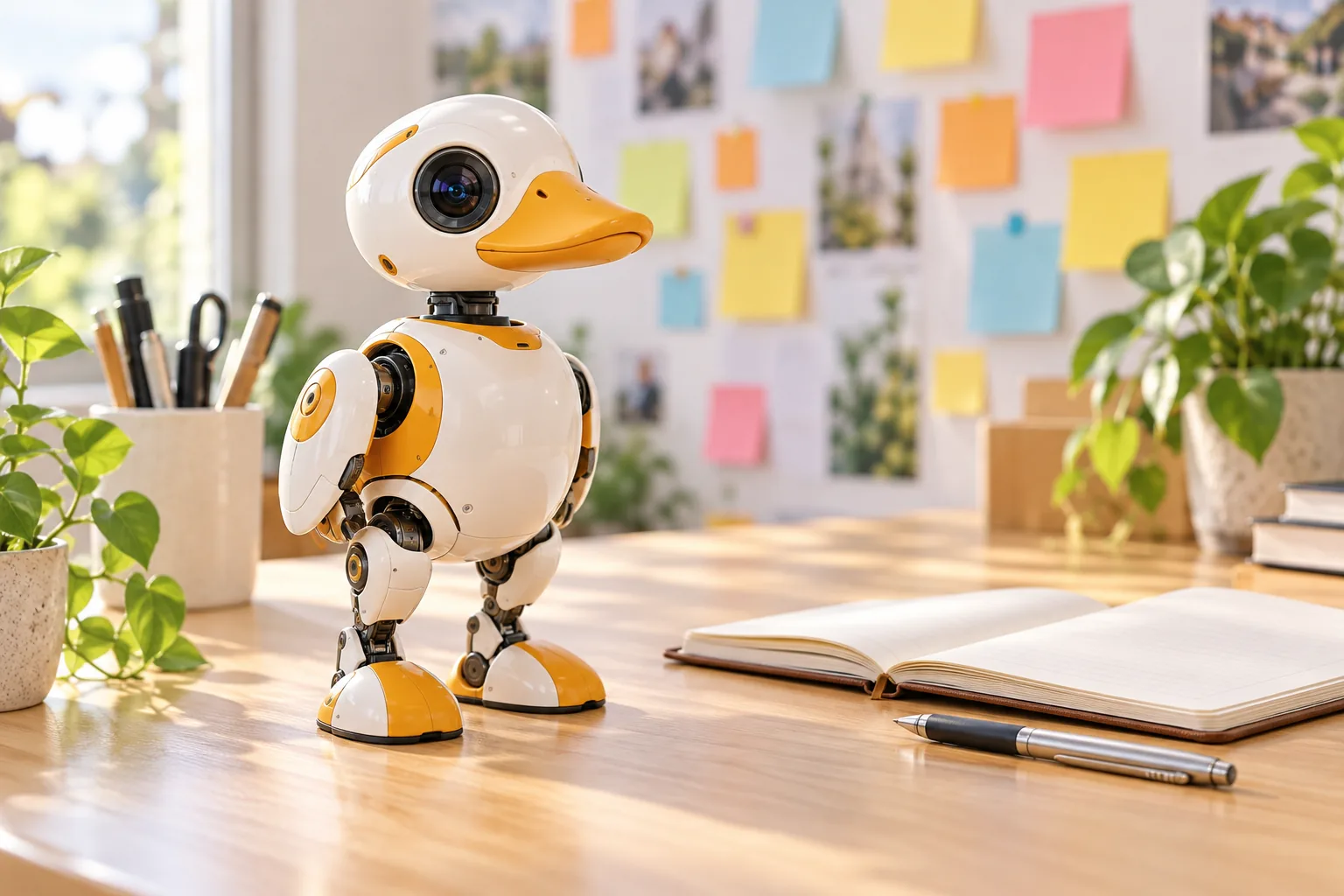
Every question that lands in the support inbox, in one page. Buying, delivery, the robot, the software and the community - each answer is short, honest and links to the page that goes deeper.
Buying and pricing
How much does Microduck cost? $399 before taxes and shipping, paid once. The optional packs are the Charger at $39, the Accessory at $39 and the Dev at $119, also before taxes and shipping.
Where can I buy Microduck? Only here, at microduck.homes, sold direct as a pre-order. The where to buy guide is the full walkthrough.
Is Microduck on Amazon or Walmart? No. Any listing with this name on a marketplace is not this robot - the difference is worth understanding, and this post explains it.
Is it a subscription? No. One Stripe payment at checkout, nothing recurring, ever.
What is included in $399? The robot, a battery, a USB-C cable, a game controller and the seven trained moves, plus access to the open-source SDK, simulator and training stack. The specs page lists everything precisely.
Can I pay in euros or pounds? Prices are in US dollars and your bank handles the conversion. Taxes and shipping for your address are shown at checkout before you pay.
Can I change or cancel my pre-order? Email support@microduck.homes with your order number and we will tell you what is possible at that stage - the earlier you write, the more we can do.
Delivery and duties
When will my pre-order ship? Production runs in batches and updates are posted as they happen - the updates page is the current status, and the shipping timeline explains the process end to end.
Do you ship to my country? Taxes and shipping are calculated at checkout for your address. If your country is not supported at checkout, email support and we will tell you what is possible.
Are customs duties included? What is due is calculated and shown before you pay; where duties are collected on delivery, the checkout total and your order confirmation are the reference.
How do I check my order status? Your order is tied to your account - sign in and open the payments page. It stays there through colourway matching, production and shipping.
I moved - can I update my address? Email support with the order number as early as possible. Address changes are easy before a parcel is on its way.
The robot itself
What is Microduck? A 25 cm open-source biped robot - a duck that stands, walks, kicks, grabs and gets back up after you knock it over. Start here if you are new to it.
What can it do out of the box? Seven moves ship trained - standing up, sitting and standing, walking, turning, kicking, driving and grabbing - and you drive it with the included controller.
Does it need a phone app? No. The controller drives it out of the box, and programming happens from Python on a computer when you want to go further.
How is it charged? Over the USB-C cable in the box. The Charger pack adds a dual charger and two spare batteries for longer sessions.
Can it roller-skate? With the Accessory pack rollers, yes - the robot switches into roller mode and rolls. The simulator shows the moves before you buy anything.
What colourways exist? Cream, Graphite, Lavender and Sky. Same robot inside - how to choose.
Is it safe around kids and pets? It is a small machine with moving joints and a rechargeable battery, not a toddler toy - supervise younger kids with it. The is it a toy post covers this properly, including the household safety talk.
How big is it really? 25 cm tall and about 800 g - desk-sized, one-hand portable. Full numbers on the specs page.
Software and training
Do I need to know how to code? No. The controller gets you moving on day one. Everything else - Python, simulation, training - is optional depth, not an entry requirement.
What language is the SDK? Python. It exposes the motors and sensors, lets you command joints and poses, and lets you start, stop and swap policies. The Python SDK guide is the walking path.
Is Microduck open source? Yes - Apache-2.0. The robot software, SDK, simulator and reinforcement-learning environments are public on GitHub. The DIY guide explains what that unlocks.
Can I try it without hardware? Yes - the hosted simulator runs in your browser, and the same simulator runs locally from the open-source repository.
How do I train new moves? The training guide walks through the full loop: train a policy in simulation, then move it onto the robot and tune for reality.
What computer do I need? None to own and drive the robot. For simulation and training, a Linux machine is the recommended setup, with a GPU helping training speed - the documentation lists the current requirements.
Support and community
Where do I ask questions? The Pollen Robotics Discord - owners, makers and the teams behind the robot hang out there.
Something is wrong with my robot. What now? Write to support@microduck.homes with your order number and what you are seeing; we will take it from there.
Where are the deep docs? Documentation covers the robot, the SDK, the simulator and the training stack in one place.
Where do product updates land? The updates page, from production milestones to software releases.
Where to go next
- Microduck specs - every number on one page
- Where to buy - price, packs, checkout and countries
- Microduck alternatives - the other robots worth a look
- Documentation - the technical map