
Microduck in education: classroom, club and lab uses
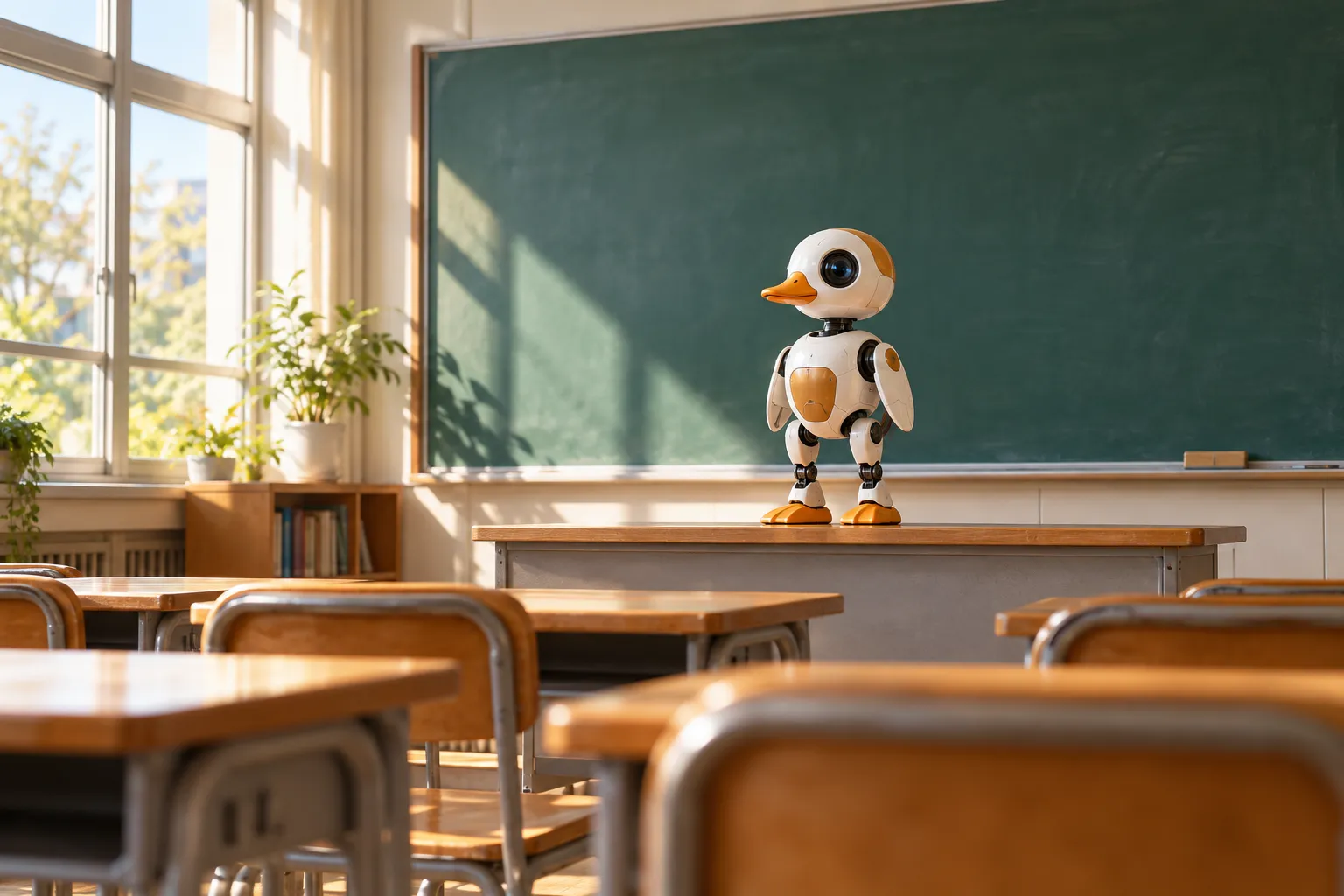
A 25 cm biped is an unusual teaching tool, and that is the point. Balance on two legs is the classic hard problem of robotics, and the modern answer to it - reinforcement learning, trained in simulation and transferred to hardware - is exactly what Microduck runs. Because the software stack is open source, a class is not looking at a demo: students can read, run and break the same code that moves the robot.
This page is for teachers, club organisers and lab leads: what each kind of session can teach, what it takes to run it, and the practical questions (budget, safety, multiple robots).
Why a desk-sized biped teaches well
- The problem is visible. Wheels hide their control problem; a walking duck shows it. When the gait fails, everyone sees why.
- The stack is real. The Python SDK, the simulator and the reinforcement-learning training stack are public under Apache-2.0 - the same code that ships, not a simplified teaching build.
- The browser simulator needs nothing. The Hugging Face Space runs in a tab, so an entire room can open the same link with no installs - including on machines that never get near the hardware.
- Every move is a lesson. Each of the seven shipped behaviours is a trained policy; the moves page is the map from "it walks" to "here is how walking is trained".
- Sim-to-real is honest. Training happens in simulation; making it survive the real world is the work. That gap is where the best projects live - and where students learn that a result is not finished when it scores well in sim.
Three settings, three flavours
School club or after-school programme
Drive it first. The duck ships with a controller and seven installed moves, so a club session can start with hands on the hardware in minute one. The getting started guide is the first-hour plan; the second session drops the same seven moves into the browser simulator and asks why the simulated duck gets up the same way. Gear note: the Accessory pack props (ball, rollers, laser pointer) turn the moves into games - see the accessories page.
University course - robotics, RL or control
The full pipeline is on the table: Python SDK for control, mjlab environments for training, sim-to-real for the transfer step. A project-shaped course can use the shipped policies as the baseline and make "train a better walk" the assignment - the training guide is the setup path, and how the training stack is put together treats the sim-to-real gap as the final project, not a footnote.
Research lab or robotics group
A retrainable, open-software biped at a price that makes multiples thinkable. The realistic uses: benchmark policies, study sim-to-real transfer on an affordable platform, teach the full RL loop without a hardware team. Everything is inspectable - the SDK, the simulator and the training environments are a git clone away from the documentation.
A five-session outline that works
- Drive it. Controller, surface, first steps. Everyone knocks it over and watches it get up.
- Meet the policies. Same seven moves in the browser simulator; name what each is.
- First Python. Connect, read state, command a pose - follow the guide.
- Train something. A faster walk, a tighter turn, one reward change at a time - in simulation only.
- Evaluate honestly. Run the policy in more scenes, then on hardware if you have it; write down where it breaks. That report is the real deliverable.
Safety and supervision
The official position, from the FAQ: Microduck is a small machine with moving joints and a rechargeable battery - not a toddler toy; supervise younger kids with it. In a classroom that means: designated floor or desk space, one duck per working group where possible, and the usual battery rules (no charging on soft furnishings, no chewed cables).
Buying for a class or club
Microduck is sold direct in one place, here on this site, as a $399 pre-order before taxes and shipping - the pre-order page has the details, and the where to buy guide explains ordering. Every robot includes everything a session needs (controller, battery, cable, seven moves). Packs are optional add-ons; the accessories comparison says which to consider for classroom wear.
For a course or lab that needs several robots, or for any ordering question beyond the checkout, write to support@microduck.homes with how many robots you have in mind and where you are - that is the same address that handles all order questions.
Education FAQ
Do students need to code to use it? No - the controller gets a class driving on day one, and Python is the optional second act. A mixed-ability room works: drivers in one group, coders in another.
Does the software cost anything for a school? No. The SDK, simulator and training stack are open source (Apache-2.0); the browser simulator is free to use.
What computers do we need? For driving and the browser simulator: any modern browser. For local training: the recommended setup is Linux with Python, and an NVIDIA GPU helps once training gets serious - see the training guide.
Can one robot serve a whole class? In a demo-style session, yes - the classroom-friendly trick is that everyone can drive the same robot through the simulator while the hardware does rounds. For hands-on work with every student, plan for one duck per group.
Is it durable enough for repeated handling? It is built for desk play and recovery - the "standing up" move exists because knocking the duck over is expected. For heavy classroom use, the Dev pack's spare motors and cables are the sensible buffer (packs compared).
Where does the robot go between sessions? It is 25 cm and about 800 g - a shelf, a locked cabinet or a carrying shelf box. Nothing about it needs a lab bench.
Where to go next
- Getting started - the first hour, for a class or an individual
- Microduck simulator - the zero-setup classroom tool
- How to train Microduck - the course-shaped RL workflow
- Pre-order Microduck - $399 before taxes and shipping